- Developer tools
- Marketplace
- Design system
OonkoO UI
Component library & marketplace
A shadcn/ui-compatible React component library and marketplace, installable with one command. Free and premium blocks built on real engines: Three.js and WebGL, GSAP and Framer Motion, not imitations.

- Project
- OonkoO UIComponent library & marketplace
- Owned by
- OonkoO Venture
- Platform
- Web app
- Stack
- Next.js
- Tailwind CSS
- Three.js
- GSAP
- Framer Motion
- npm CLI
- Vercel
Read from the running product (November 2026).
- Now
- Live at ui.oonkoo.com.
S01The business
The parts we build with, for sale
OonkoO UI is our component library and marketplace: React components compatible with shadcn/ui, installed with one command. Free and premium blocks sit side by side, and the heavier ones are built on the same engines we use for client work — Three.js, GSAP and Framer Motion.
As described by ui.oonkoo.com
What we built
- Component library
- Developer marketplace
- Copy-paste components
- Customisable themes
- Full documentation
Each line has a number. A frame further down that shows it carries the same one.
What it had to do
Make a component installable in one command.
Show it running before anyone installs it.
Document it well enough that nobody has to ask.
S02Design
Drawn like a specification
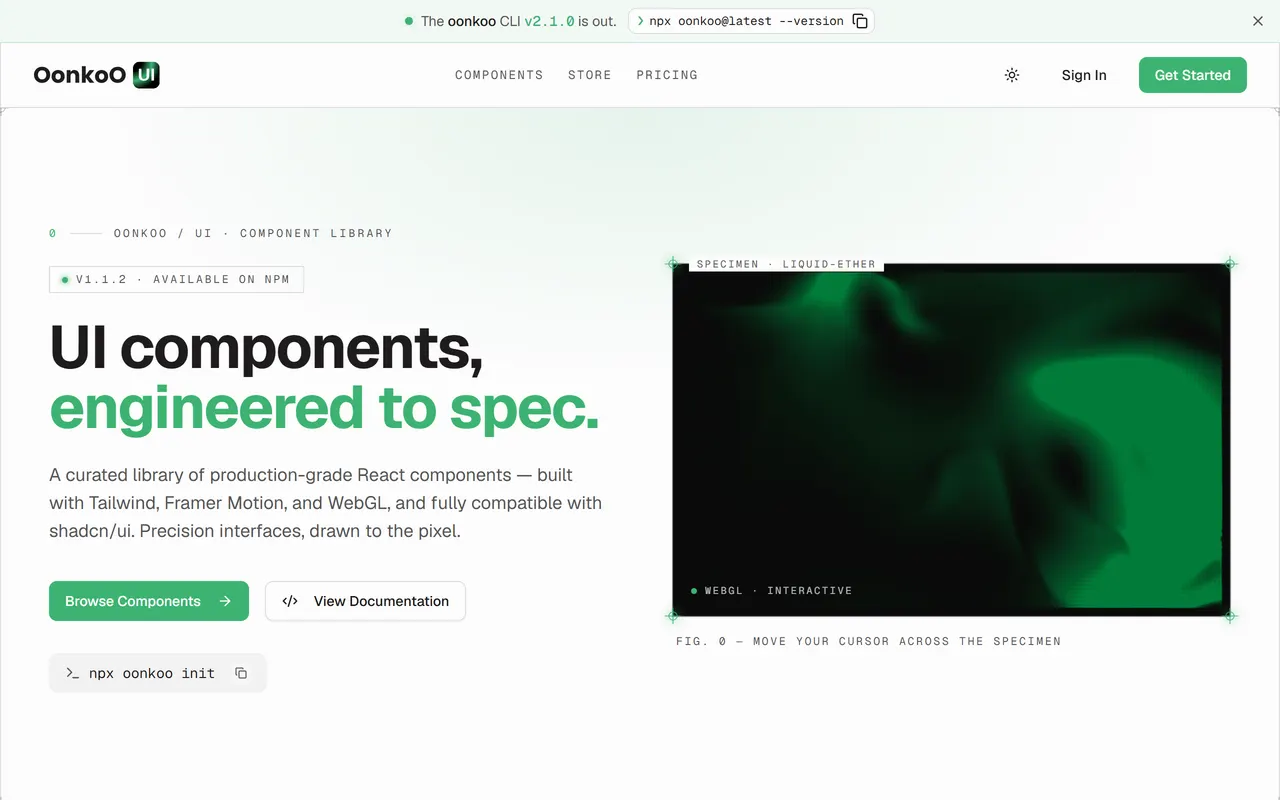
The site presents components the way an engineering drawing presents parts: specimen frames, figure numbers, monospace labels. It is our own green on near-white, set in Geist, with Geist Mono for anything technical.
- Site and documentation design
- Specimen-sheet visual language
Mark

Palette
- OonkoO green#3CB371
- Ink#1F1C1C
- Paper#FCFCFC
- Mint#D5F9E0
Typeface

Geist
The brand as shipped — palette and typeface read off the running product.

S03Engineering
A registry, a CLI and a live preview
Each component page runs the real thing in a preview frame, with its install command, props and source beside it. A CLI on npm adds a component straight into a project's codebase with one command.
- Component library
- Developer marketplace
- Copy-paste components
- Customisable themes
- Full documentation


S04Infrastructure
Shipped where it loads fastest
It is served from Vercel at ui.oonkoo.com, with pages rendered ahead of time wherever they can be — so the first screen arrives as a file, not as a wait on a server. A change gets there through a CI/CD pipeline with automated tests, by way of separate dev, UAT and production environments.
- CI/CD pipeline
- Automated tests
- Dev, UAT and prod environments
- Deployment on Vercel
S05Growth
Distributed where developers work
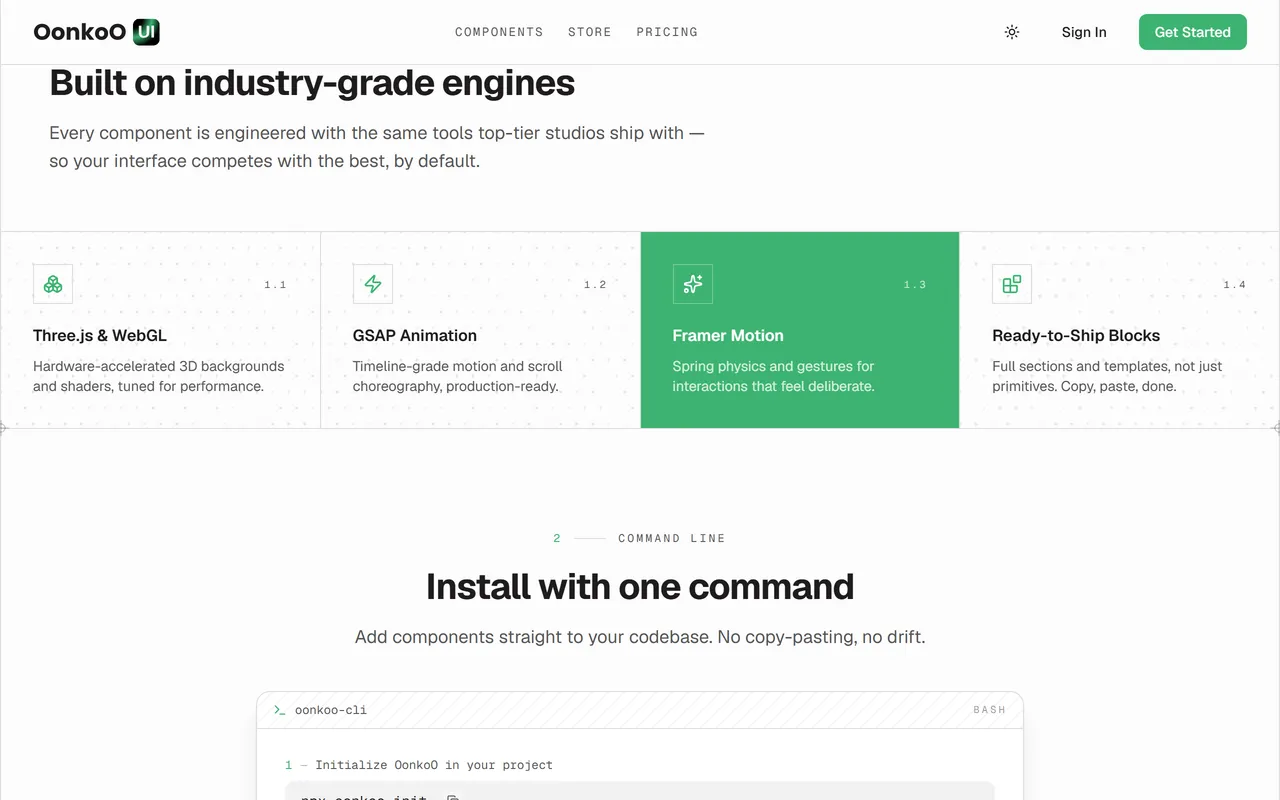
The landing page leads with what the components are built on, then shows the install command. From there the product goes to the developer rather than waiting for a visit: it is a shadcn-compatible registry, so the standard install command works; running npx oonkoo opens a TUI app to browse, buy and install without leaving the terminal; and an MCP server integration lets AI agents such as Claude Code and Cursor search the registry and install components themselves.
- Added a TUI app on npm
- MCP server integration
- shadcn-compatible registry
S06Credits
One company, four hands
The same mark in four colours: who at OonkoO did what on this build, in the order the work was handed on.
Infrastructure
- CI/CD pipeline
- Automated tests
- Dev, UAT and prod environments
- Deployment on Vercel
Have something like this to build?
Tell us what it has to do and get a written quote on the page — no call needed. Or book thirty minutes and talk it through.